Overview
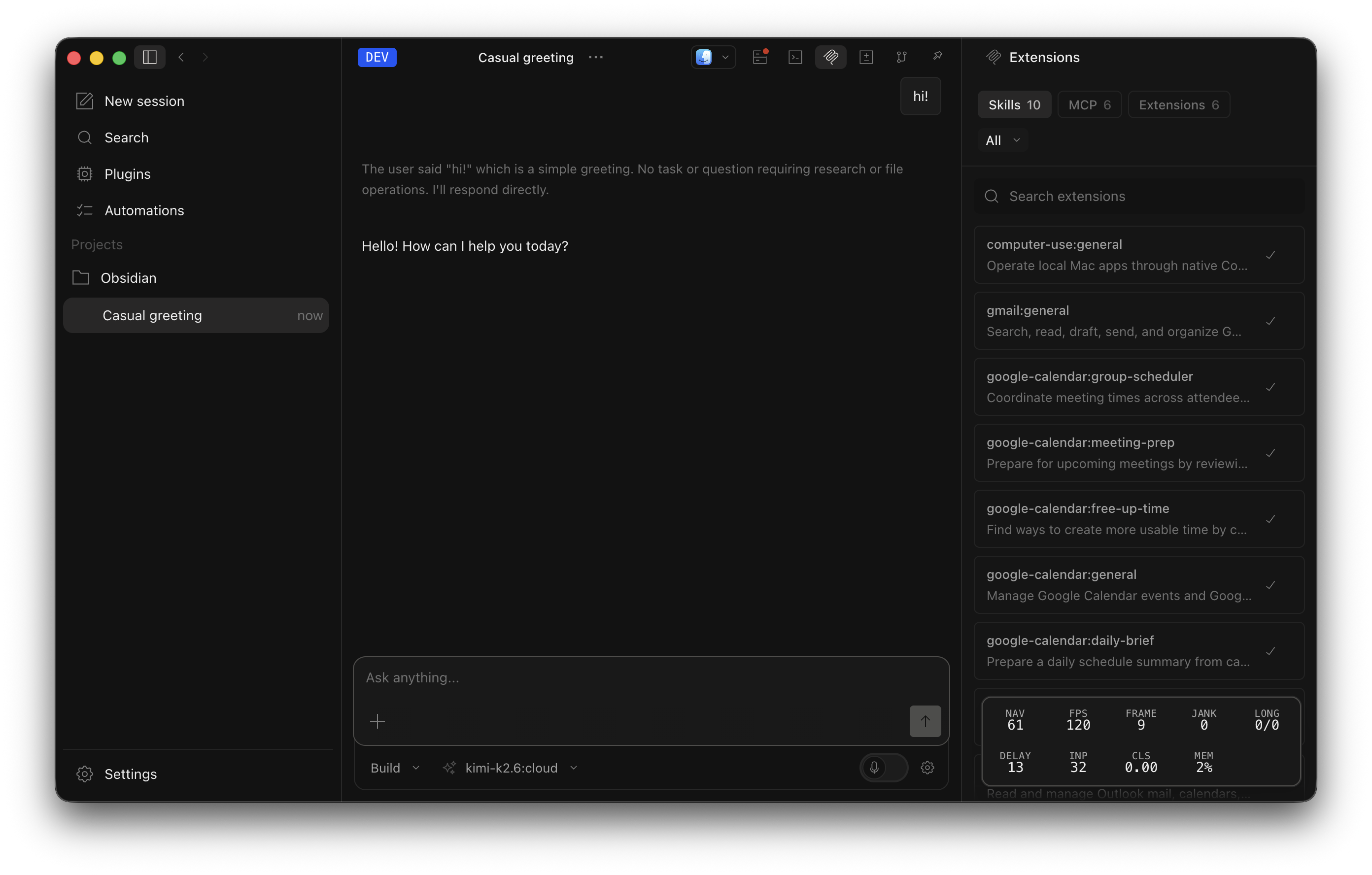
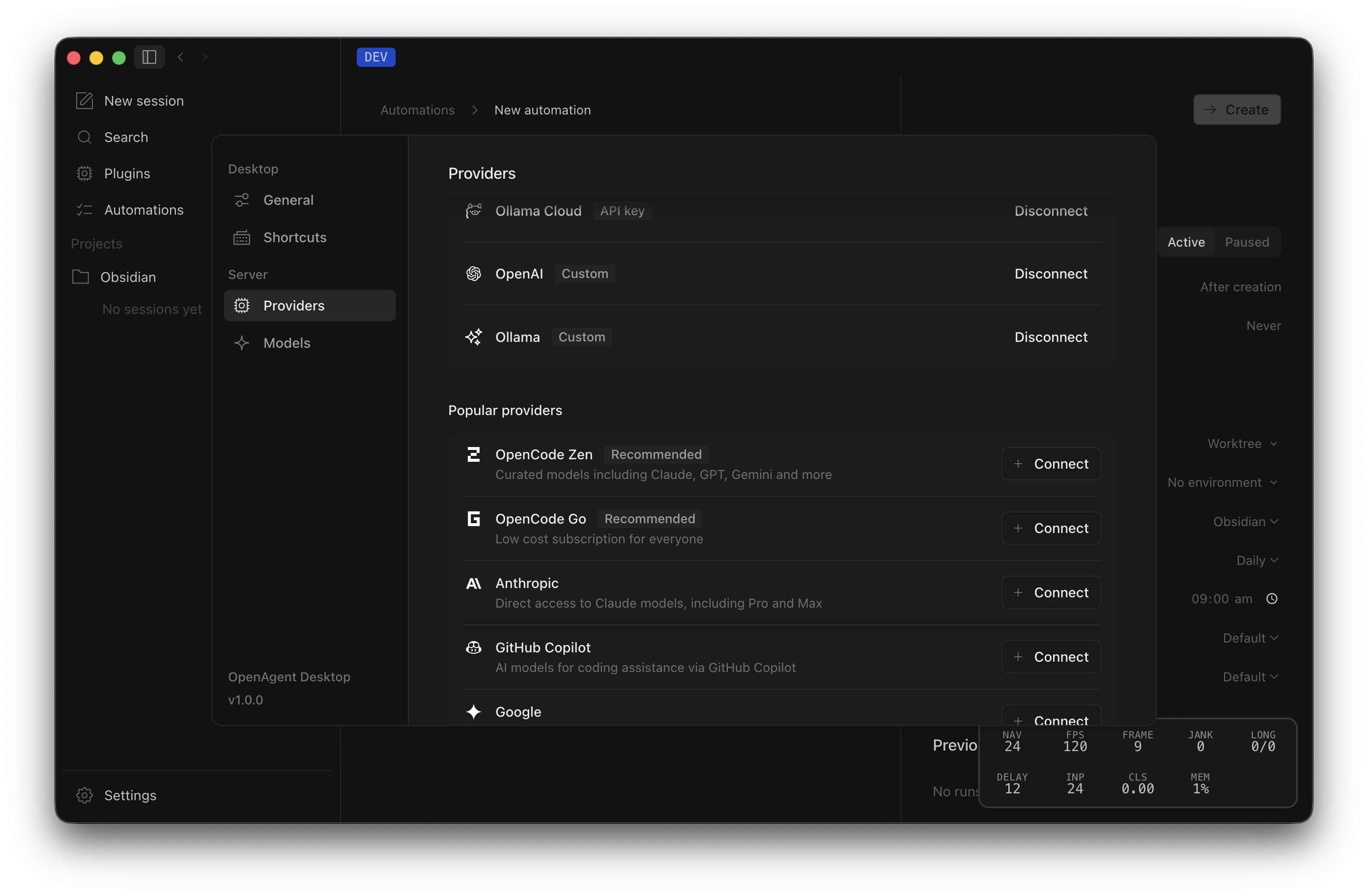
OpenAgent was my attempt to rebuild the Codex desktop app around OpenCode. The interface follows Codex, but the model layer stays open. Users can connect OpenAI, Anthropic, Ollama, OpenCode Zen and Go, OpenRouter, or Cloudflare.
That freedom was the point. I wanted the convenience of a desktop coding agent without letting the app decide which model I could use.
Why I built it
Vendor lock-in bothered me more than any missing feature. Codex pushed users toward OpenAI models. Claude pushed them toward Anthropic. Both apps were closed, so pricing and access could change without users having much say.
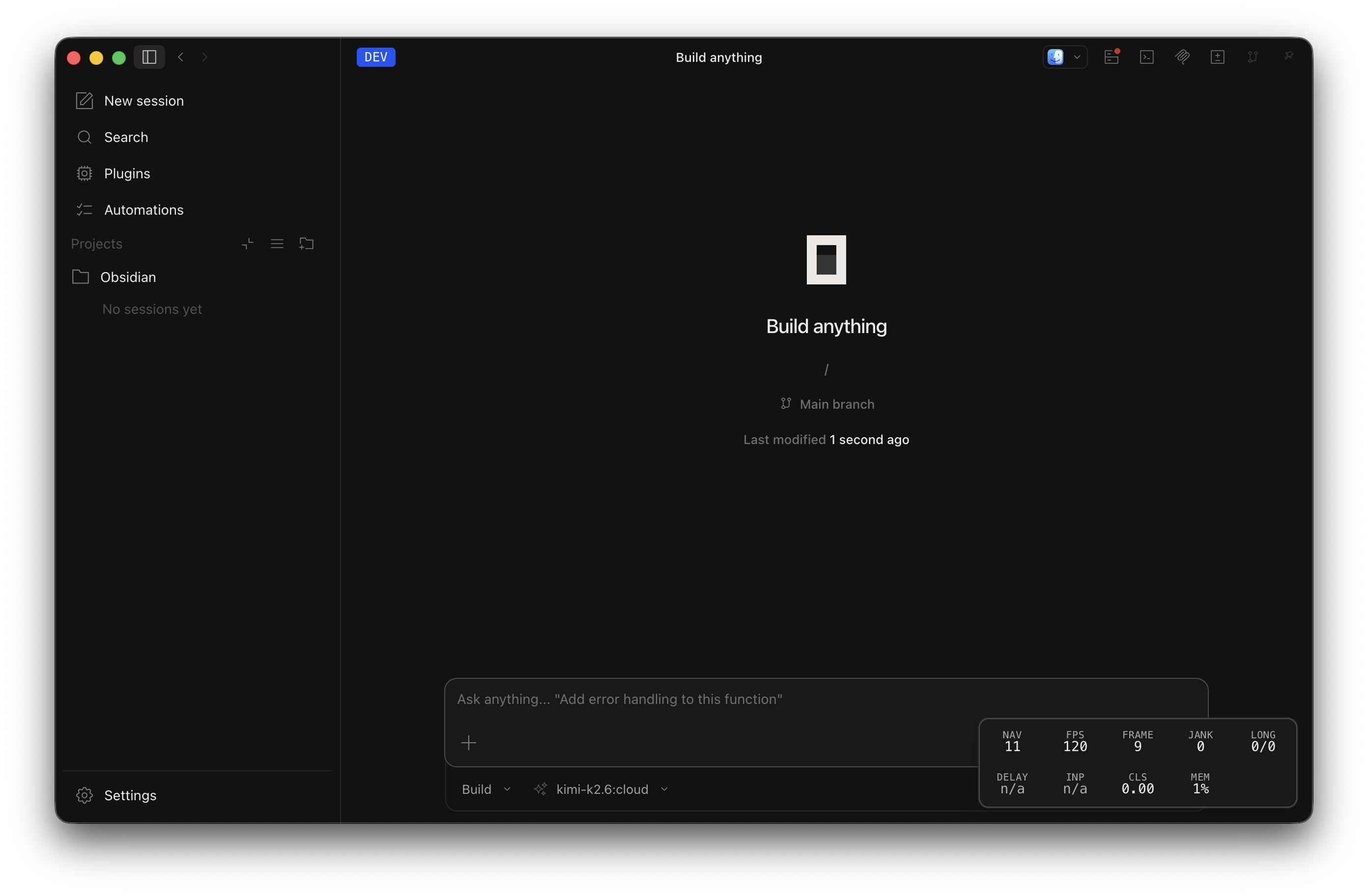
OpenCode already solved the provider problem, but its terminal interface was not aimed at people who wanted a desktop app. OpenAgent tried to put a friendlier interface around that open model layer.
What I added
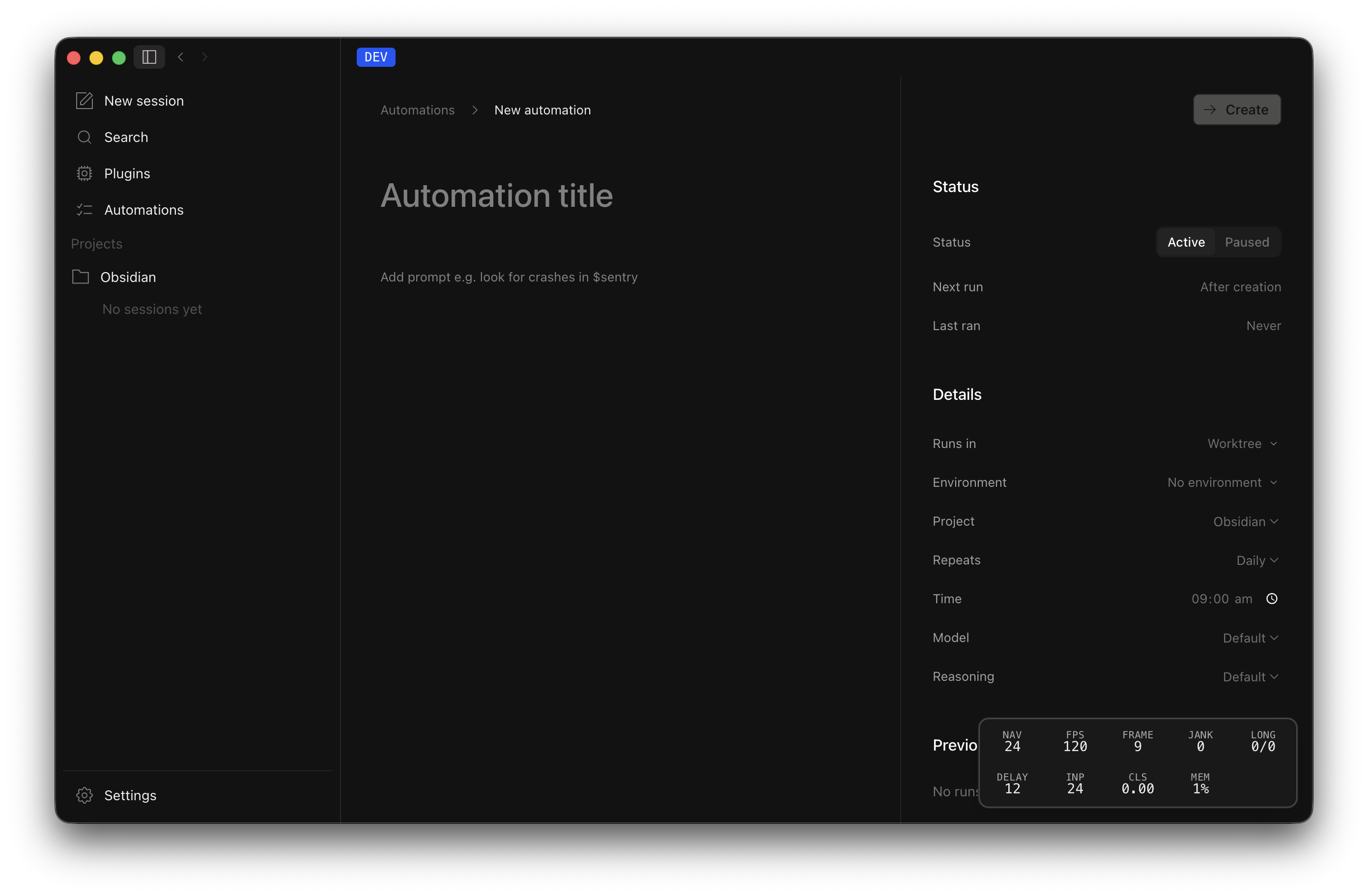
- Scheduled tasks store a working directory, prompt, interval, model, reasoning level, and history of past runs.
- Extension bundles package skills and MCP integrations so a project can enable only what it needs.
- The workspace includes a terminal, Git diff view, and separate subagent activity views.
I also changed the system prompt to delegate bounded work early. The main agent can keep coordinating while child agents inspect or implement separate pieces.
The hands-free mode was the more personal experiment. A local Parakeet TDT v3 model transcribes short voice chunks, detects when the sentence is complete, and submits it without waiting for a long recording to finish.
Why I stopped
OpenAgent is inactive. I ended up preferring terminal agents, especially Pi and Codex, so I stopped using the desktop app I was building.
Upstream churn was the other problem. OpenAgent sat on top of OpenCode, and at the pace I saw, roughly 400 incoming commits a day, keeping the fork current became a project of its own.
Meanwhile, Codex and Claude kept improving their desktop apps. Their integrations were better than mine, and I no longer thought a parallel rebuild was a good use of my time. The open-provider idea still matters to me. This implementation just was not the way I wanted to pursue it.
Interface
Automation
The automation page lets a user choose a directory, write a prompt, set the interval, pick a model and reasoning level, then inspect previous runs.
Provider setup
The provider page stores multiple model providers. Switching models does not require changing the rest of the workspace setup.
Project extensions
The extensions panel controls which tools load for each project. A disabled extension does not add its tool schema to every request, which matters once the list of integrations grows.